
Open Skitch 2.9 files
Open images saved by Skitch 2.9 with their arrows, text and stamps editable again, and save them as Snix projects.
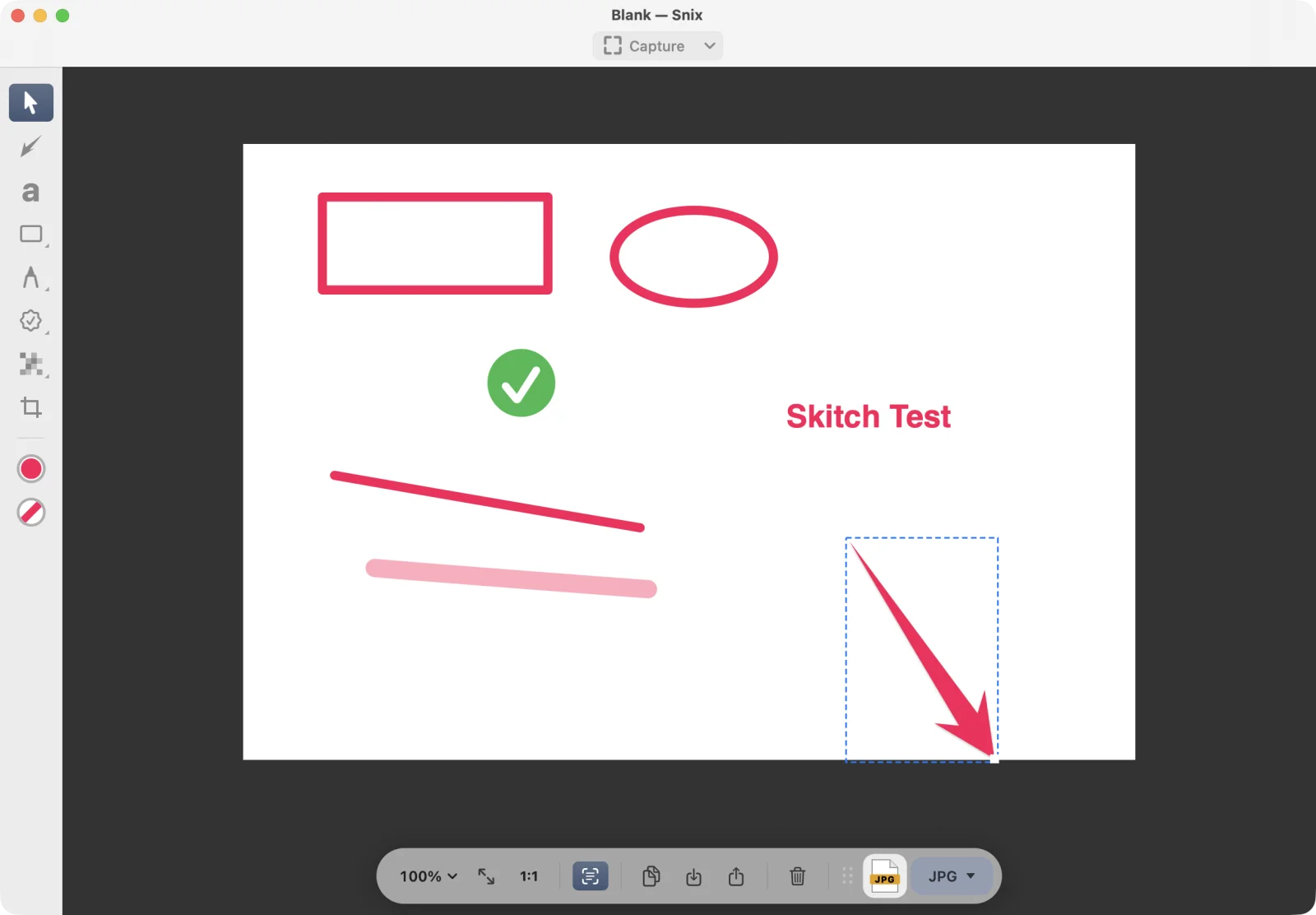
Skitch 2.9 saves its markup inside the images it writes, alongside the flat picture. Snix can read that markup, so old annotations open as separate objects you can move, restyle or delete, not as part of the picture.
Open a Skitch file
- Choose File › Open Image, PDF, or Project… (⌘O), or drag the file onto the canvas.
- Snix recognizes the Skitch 2.9 markup in the image and opens each annotation as a Snix object.
- Edit as usual with the tools in the sidebar.
Save your changes
Snix reads Skitch files but never writes them.
- To keep editing later, save a Snix project with File › Save Project (⌘S). The original Skitch file stays as it was.
- To share, export or drag out an image or PDF. Exports are always flat. See Export, copy, drag and share.
When markup can’t be rebuilt
Some Skitch markup can’t be turned back into Snix objects, for example annotations that were transformed in Skitch. Then Snix opens the whole file as a flat image, exactly as Skitch drew it, and shows “Its markup can’t be edited here, so it opened as a flat image.” Snix never imports part of the markup and silently drops the rest.
Good to know
- Only files from Skitch 2.9 are supported. Older Skitch formats, including
.skitchfiles, can’t be opened. - An ordinary image without Skitch markup opens as a normal image.
- Stamps and arrows open at the size Skitch drew them. Stamps and speech-bubble text look different from Skitch, because they use Snix’s own styles.
- Skitch files don’t record Retina resolution, so they open at one pixel per point. See Hi-Res and Retina images.